

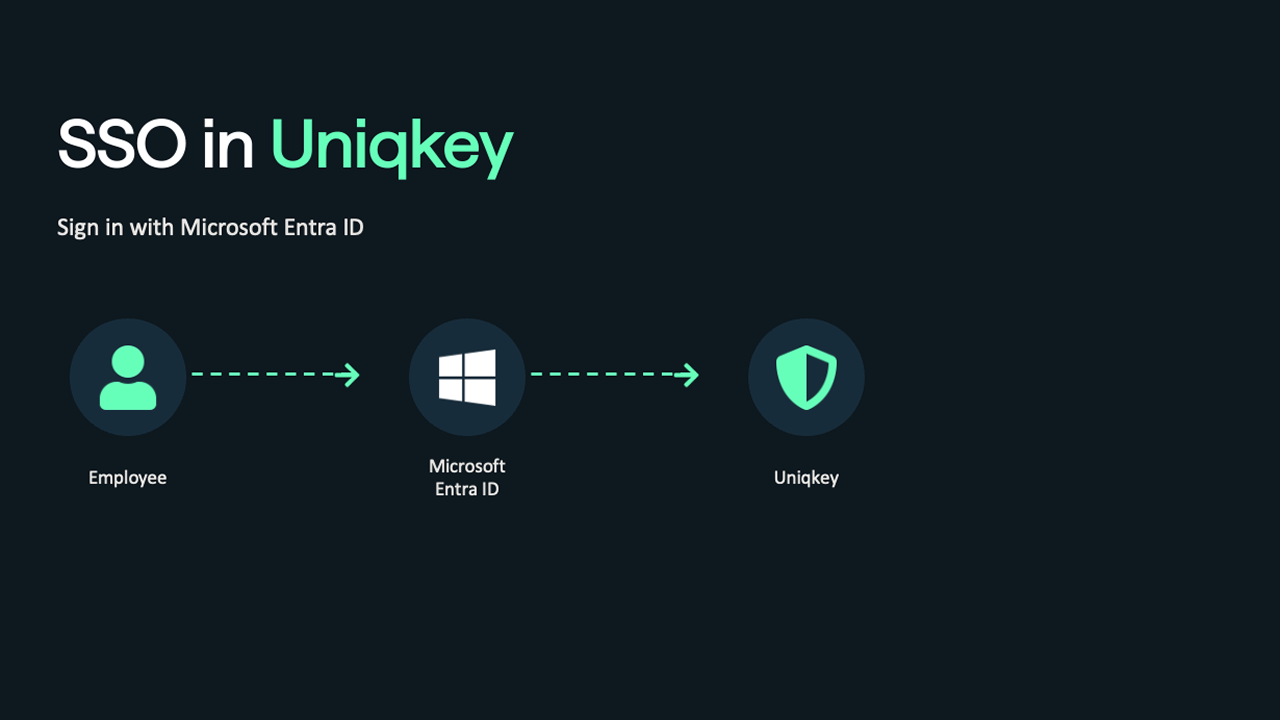
Most organisations running Microsoft Entra ID think SSO covers their access problem. It covers part of it. This post explains the gap – and how Uniqkey SSO closes it.
Single Sign-On is good. It reduces login friction, removes the need for separate passwords across supported apps, and gives IT a central point of control for authentication. If you are running Microsoft Entra ID, you probably already have it set up for your core Microsoft stack.
But SSO does not cover everything.
Most of the tools your team uses every day – the SaaS apps, the shared service accounts, the internal platforms that were never built for Entra ID – sit outside SSO coverage entirely. Employees are still creating passwords for those services. Sharing credentials over Teams. Reusing the same login across multiple tools. And when someone leaves, there is no guarantee those accounts are actually closed.
That is where password management comes in. And that is why SSO and a business password manager are not competing solutions – they are two layers of the same access strategy.
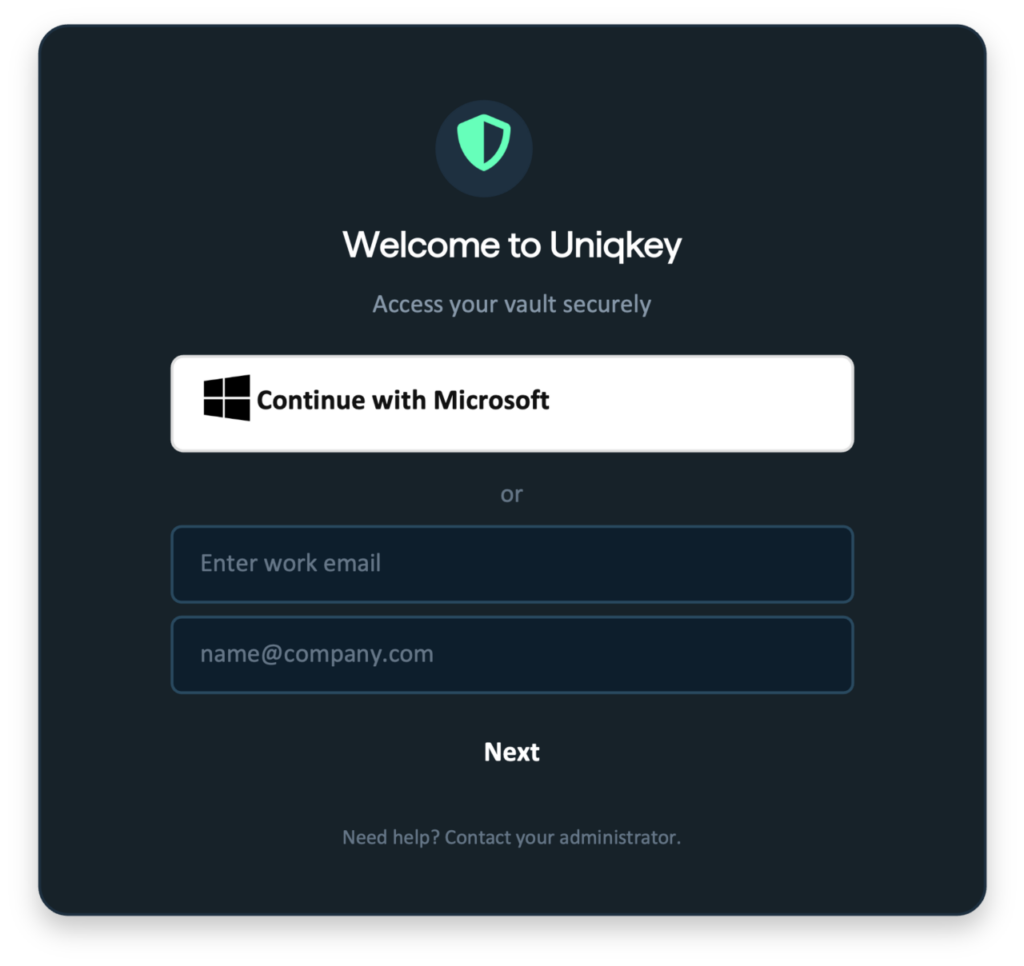
Uniqkey connects both layers. With Uniqkey SSO, employees sign in to their password vault using the Microsoft account they already have. No separate Uniqkey password to create, remember, or reset. IT keeps full control through Conditional Access and automated provisioning. And everything outside SSO coverage stays protected in one encrypted, European vault.
The gap SSO does not fill
Here is the practical problem most IT teams run into.
You enforce SSO for Microsoft 365. You require MFA. You feel reasonably confident about authentication across your core environment. Then you look at the rest of your tool stack – the CRM, the billing platform, the shared social accounts, the legacy internal tool someone built five years ago – and none of it is connected to Entra ID.
Employees have passwords for all of it. Some are strong. Most are not. Some are shared informally. Offboarding processes may or may not catch every account.
This is not a niche problem. It is the standard state of most organisations. SSO adoption is high for Microsoft tools. It drops sharply for everything else.
A password manager handles what SSO cannot: it protects the credentials for every service, regardless of whether that service supports federated identity. The combination gives you coverage across the full authentication picture – not just the part your identity provider can reach.
How Uniqkey can help your curret SSO setup
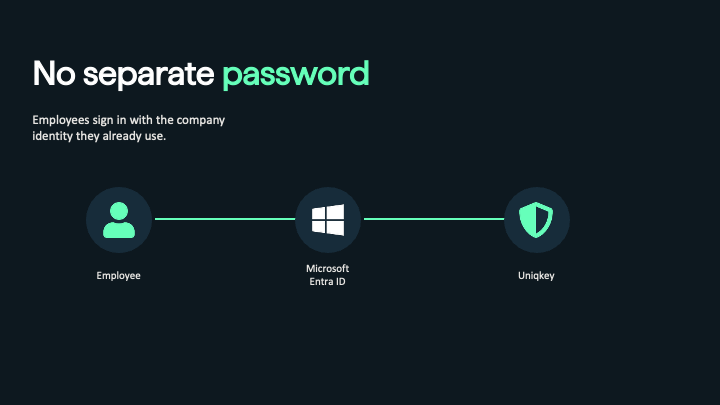
Uniqkey SSO connects your Entra ID identity to your Uniqkey vault. Employees use their existing Microsoft account to sign in. They do not create or manage a separate Uniqkey password. The vault is waiting for them – with the credentials for every service they need – as soon as they authenticate with Microsoft.
For IT, the change is more significant than it might appear.
Access to the vault is now governed by your conditional access policies managed by IT. If you block logins from outside approved regions, that applies to the vault too. The rules you have already defined in Entra ID extend to everything inside Uniqkey, without you having to duplicate configuration.
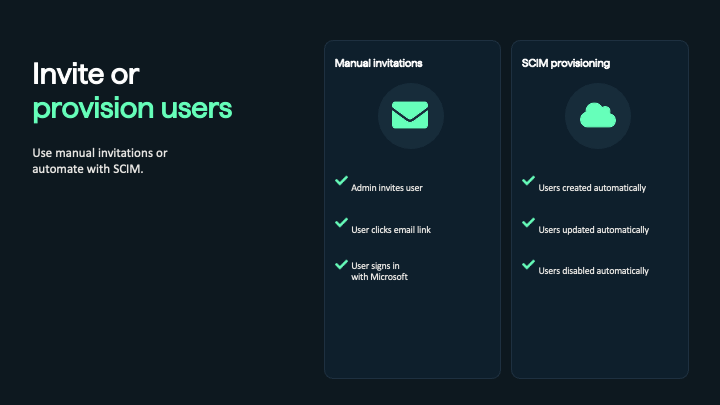
And with SCIM provisioning, the user lifecycle is fully automated. A new employee is provisioned when they are added in Entra ID. A departing employee loses access the moment they are disabled – not after an IT team member manually works through an offboarding checklist.
Onboarding without the friction
The moment new employees most often give up on security tools is day one.
They arrive with a long setup list. By the time they get to the password manager, they are already fatigued. They either skip configuration, create a weak password, or call IT. None of those outcomes are what you wanted.
With Uniqkey SSO, that step is removed. New employees receive an invitation, click SSO, and authenticate with their Microsoft account. Uniqkey creates their account and provisions their browser credentials in the background. They are in, without creating anything new.
Less friction on day one means higher adoption. Higher adoption means the credentials your team uses are actually being managed – which is the only version of a password manager that provides real security value.
Authentication that works for every employee
Phoneless environments and mobile first
Most SSO implementations assume employees have a phone. Push notification to approve access. Authenticator app to confirm identity. It works well for office workers and mobile-first environments.
It does not work well for production floors, managed workstations, contact centres, or any role where employees are not issued a company phone.
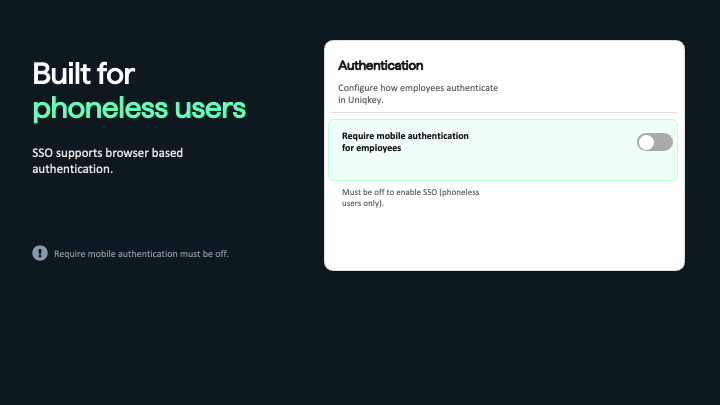
Uniqkey SSO is designed specifically for this. Authentication happens entirely in the browser. Microsoft becomes the primary authentication method. No mobile app is required. Employees on managed workstations get a seamless login from day one, without additional hardware or an authentication app to manage.
When 500 employees share workstations and nobody has a work phone
A municipality typically runs hundreds of shared and role-based workstations across departments – social services, administration, citizen-facing counters. Employees share computers, work fixed shifts, and are rarely issued a personal work phone. With Uniqkey SSO, each employee signs in with their existing Microsoft account directly in the browser. The vault with their role-based credentials is available immediately. No phone. No authenticator app. No extra setup. When they log out, the session closes. The next employee signs in the same way.
Read more about municipalities and Uniqkey→
What IT controls
- Entra ID integration. Connect Uniqkey to your tenant with your Tenant ID. Your existing Microsoft setup becomes the authentication layer for Uniqkey – no migration, no parallel system.
- Access enforcement. Your access policies apply directly. Restrict by compliance, groups, time, location, MFA method, or risk level. The rules you have already defined carry over.
- SCIM provisioning. New users are provisioned automatically. Departing users lose access instantly. No manual steps. No access that outlasts employment.
- Configurable session lifetime. Set how long an SSO session stays valid before re-authentication is required. Adjust it from the admin portal to match your organisation’s security posture.
- Phoneless access. Authentication in the browser only, no mobile app required. Built for workstation-based teams and managed device environments.
European infrastructure
Uniqkey is Danish-owned and operated under EU law. Data stays in Europe. The platform is ISO 27001 certified and built on zero-knowledge encryption-
For European organisations, this matters beyond a checkbox. Authentication telemetry, vault credentials, and provisioning data are sensitive. Under GDPR, they are personal data. A platform owned and operated under EU law provides different legal protections than an EU-hosted service owned by a US parent.
If your organisation is navigating NIS2 compliance or making deliberate decisions about data sovereignty, the legal entity behind your security infrastructure is part of that decision.
SSO covers the door. Uniqkey protects what is behind it.
Most employees sign in to dozens of services that will never be connected to your identity provider. Those credentials are your exposure – and SSO will not reach them.
Uniqkey protects what SSO cannot, while making access to the vault as simple as signing in with Microsoft. One login for employees. Full control for IT. Everything protected in Europe.
Frequently asked questions
Single Sign-On lets employees access Uniqkey with their existing corporate identity. It removes the need for a separate Uniqkey password and gives IT a simpler way to manage authentication.
No. SSO simplifies access where it is supported. Uniqkey protects the services, shared accounts and credentials that sit outside SSO coverage – which is most of what your team logs into every day.
Uniqkey currently supports Microsoft Entra ID for Single Sign-On.
No. The identity provider only verifies that the user is allowed to access Uniqkey. It does not have access to stored passwords, secrets, or vault contents.
Organisations that want to simplify onboarding, reduce password fatigue, and support phoneless users who authenticate directly in the browser.
If local browser credentials are lost, the user can request SSO recovery. An admin approves the request before access is restored.
Yes. Mobile authentication remains available for employees who need it. SSO is designed to support phoneless users specifically, but does not remove the mobile option.
Most organisations have the identity layer covered. The credential layer is a different story.
Uniqkey gives your team one login with Microsoft and a secure vault for everything SSO cannot reach – all protected in Europe.